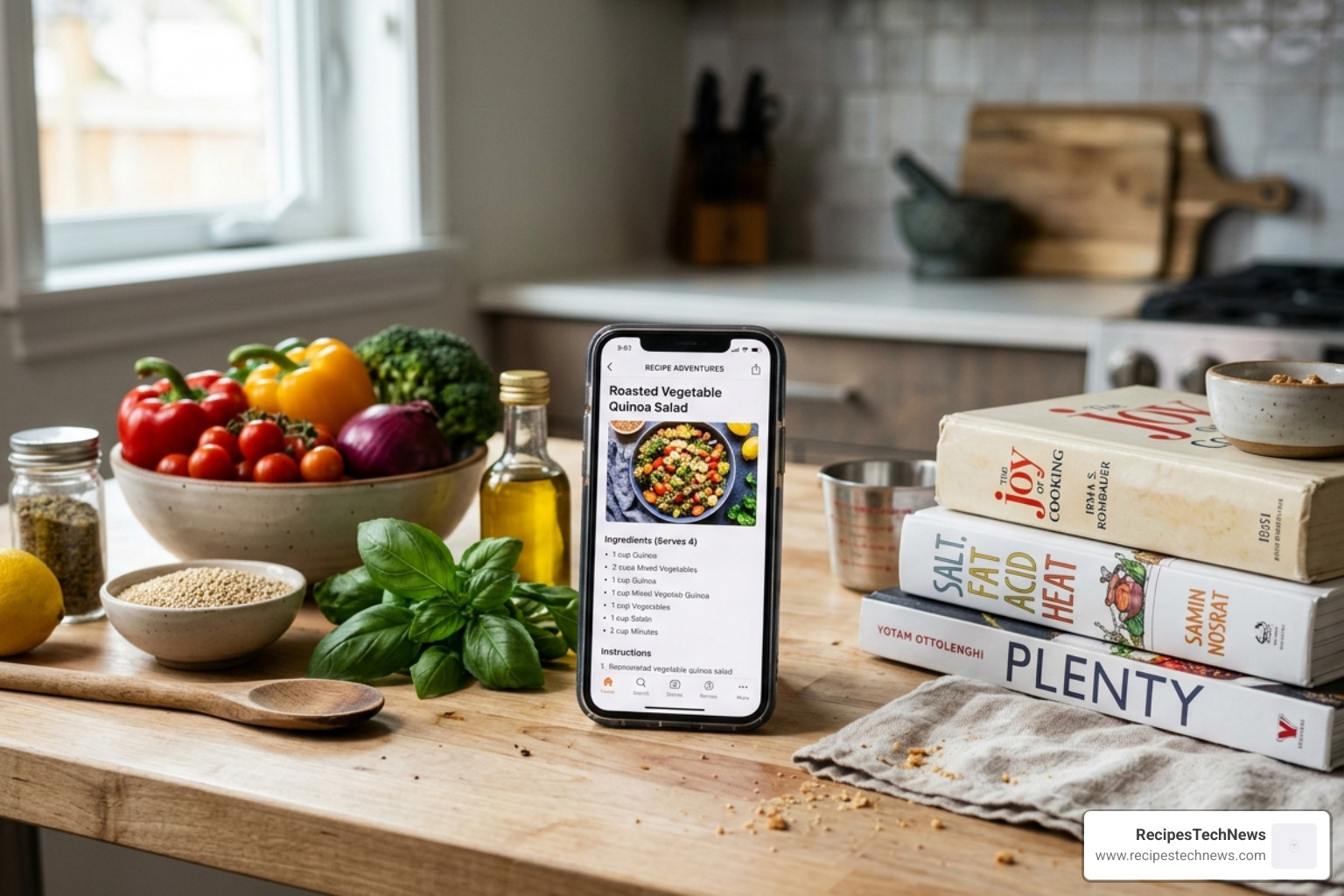
The Best Apps for Storing Recipes in 2026: Quick Answer
The best apps for storing recipes right now are:
- Paprika Recipe Manager 3 – Best overall for power users (iOS, Android, Mac, Windows)
- Recipe Keeper – Best for scanning physical cookbooks and handwritten notes
- ReciMe – Best for saving recipes from TikTok and Instagram
- Cookbook App – Best budget-friendly option with OCR scanning
- Mela – Best for simplicity on Apple devices
- Umami – Best for cross-device compatibility
Think about the last time you spotted a great recipe — maybe on TikTok, in your grandmother’s handwritten notebook, or buried in a food blog. Where did it go? If your answer is “no idea,” you’re not alone.
Most home cooks today are drowning in scattered recipes. Screenshots pile up in camera rolls. Browser tabs get lost. Paper tearouts go missing. Printed binders take up shelf space. The problem isn’t finding recipes — it’s keeping them somewhere useful.
Recipe storage apps solve this directly. They pull recipes from websites, social media, and even physical pages into one searchable, organized place. The best ones also handle meal planning, grocery lists, and step-by-step cooking guidance — all from your phone or tablet.
With dozens of options available in 2026, picking the right one depends on how you cook, what devices you use, and what you’re willing to pay. This guide cuts through the noise.
Why You Need the Best Apps for Storing Recipes in 2026
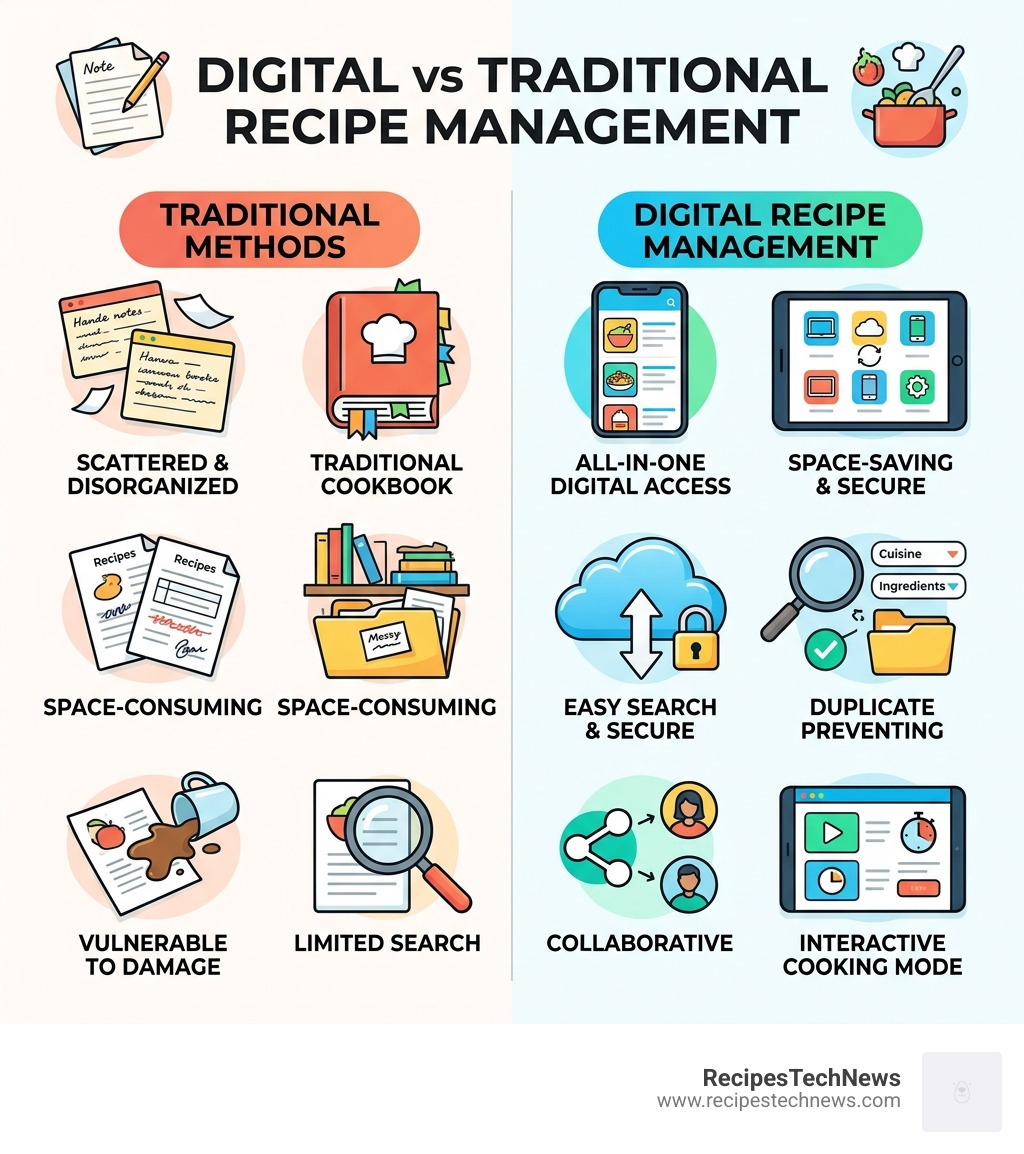
If you are still wrestling with a “junk drawer” of printed Recipes, it is time for an upgrade. In 2026, the digital kitchen is no longer a luxury; it is a necessity for anyone trying to eat healthier while saving time. The best apps for storing recipes act as a central command center for your culinary life.
The primary benefit is centralized storage. Instead of hunting through three different apps and a physical shelf, everything lives in one searchable database. But these apps do much more than just store text. Modern tools utilize Optical Character Recognition (OCR) technology, which allows you to snap a photo of a handwritten card or a magazine page and instantly turn it into editable digital text.
Furthermore, these apps bridge the gap between inspiration and execution. When you find a recipe you like, you can instantly add the ingredients to a smart grocery list. Many of these apps integrate with The Essential Smart Kitchen: Smart Devices, allowing you to view instructions on a smart display or even use voice commands via Alexa.
Beyond organization, these tools assist with the “math” of cooking. They can scale ingredients up for a dinner party or down for a solo meal in a single tap. They prevent your screen from locking while your hands are covered in flour and provide interactive steps so you never lose your place. It is about removing the friction from the cooking process so you can actually enjoy being in the kitchen.
Top-Rated Recipe Managers for Power Users
For those of us who take our cooking seriously, we need a robust system that can handle hundreds—if not thousands—of recipes without breaking a sweat.
Paprika Recipe Manager 3
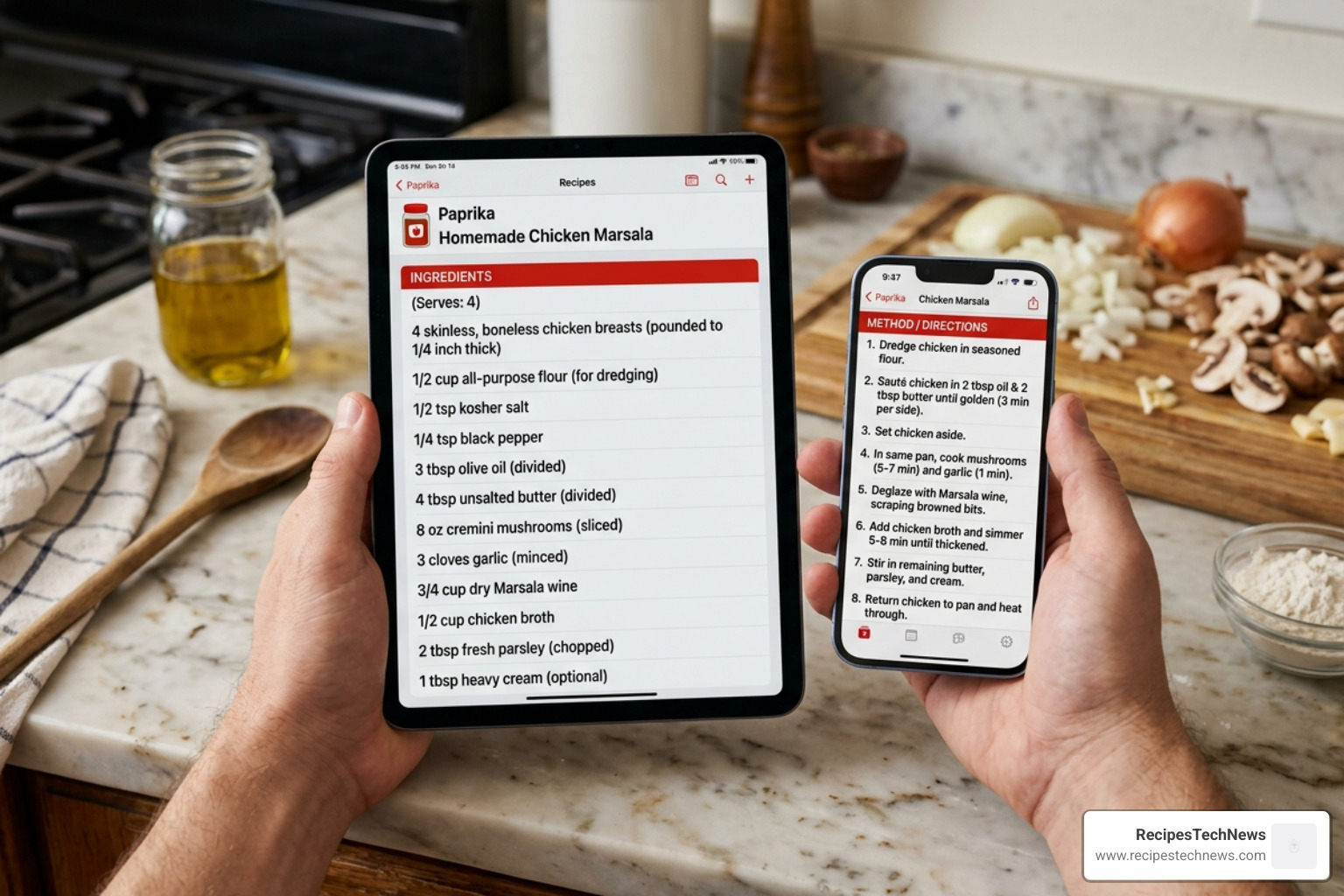
If there is a “gold standard” in this category, it is likely Paprika Recipe Manager 3 – Apps on Google Play. It has maintained its reputation for years, boasting a 4.9-star rating from nearly 20,000 reviews and over 500,000 downloads.
What makes it the choice for power users? It’s the “no-nonsense” approach. Paprika Recipe Manager for iOS, Mac, Android, and Windows uses a built-in browser that strips away the clutter (and the 3,000-word life stories) from food blogs, leaving you with just the ingredients and instructions.
Key features include:
- Smart Timers: It automatically detects cook times in the directions; you just tap them to start a timer.
- Pantry Tracking: You can keep an inventory of what you have, so you don’t buy a third jar of cumin.
- Offline Access: All data is stored locally, meaning you can cook at a remote cabin without Wi-Fi.
- Cloud Sync: While each platform version is sold separately, the cloud sync between them is seamless.
Recipe Keeper: The Best Apps for Storing Recipes from Physical Books
If your biggest hurdle is a mountain of physical cookbooks or handwritten cards from family, Recipe Keeper App for iPhone, iPad, Android, Windows and Mac is your best bet. It is highly acclaimed, with over 50,000 5-star ratings across various app stores.
The standout feature here is the OCR scanning. You can take a photo of a recipe, and the app converts it into text. Users have noted that it even handles cursive handwriting with impressive accuracy. It also offers a “leftovers” search, helping you find recipes based on what is already in your fridge. For those who like a hands-free experience, the Recipe Keeper – Apps on Google Play version integrates with Amazon Alexa, allowing you to ask for step-by-step instructions while you prep.
| Feature | Paprika Recipe Manager 3 | Recipe Keeper |
|---|---|---|
| Best For | Web Clipping & Power Users | Scanning Physical Media |
| OCR Scanning | No | Yes (Excellent) |
| Alexa Support | No | Yes |
| Free Version | Up to 50 recipes (no sync) | Up to 20 recipes |
| Pricing Model | One-time purchase per platform | One-time purchase per platform |
ReciMe: The Best Apps for Storing Recipes from TikTok and Instagram
Social media has changed how we discover food. If your “Saved” folder on Instagram is a graveyard of recipes you’ll never find again, ReciMe is the solution. With a community of 10 million users and a 4.8-star rating, it is specifically designed for the modern, social-first cook.
ReciMe allows you to import recipes directly from Instagram, TikTok, and YouTube. It converts those videos into a readable format with clear ingredients and steps. It also features robust nutrition tracking and allows you to order groceries directly through the app. It’s a very community-focused platform, making it easy to share your own “cookbooks” with friends or family.
Best Budget and Niche Recipe Organizers
Not everyone needs a full-scale meal planning suite. Sometimes, you just want a clean place to keep your favorite smoothie recipes for The Ultimate Guide to Silky Smooth Blender or a simple list for your weekly bakes.
- Cookbook App: This is a fantastic middle-ground option. It offers OCR conversion and a very conversational interface. It’s affordable, with options for a yearly subscription (around $9.99) or a lifetime license. It’s particularly good at detecting URLs from your clipboard for instant importing.
- Mela: For Apple enthusiasts, Mela is a breath of fresh air. It uses a clean, RSS-style interface that feels like reading a digital magazine. It’s simple, elegant, and very fast.
- Umami: If you want something that works everywhere—from your phone to a web browser—Umami is a top contender. It’s known for being one of the most reliable apps for social media imports and offers a very fair pricing model ($10/year or $20 lifetime).
- Just the Recipe: This app does exactly what the name suggests. It strips away the ads and the “SEO fluff” from recipe sites, giving you a clean card. It’s a great “utility” app for people who don’t want a complex organization system.
- Crouton: This Apple-centric app focuses on beautiful design and a “meal deck” feel. It’s perfect for those who want a more visual, tactile experience on their iPad.
Comparing Pricing and Platform Availability
One of the most confusing parts of choosing the best apps for storing recipes is the pricing. In 2026, we see three main models:
- One-Time Purchase per Platform: Apps like Paprika and Recipe Keeper charge you once for the Android version and once for the Windows version. While this can feel expensive upfront, you never have to worry about a monthly bill.
- Subscription Models: Apps like ReciMe and Cookbook often use a yearly fee. This usually covers all your devices and provides ongoing cloud features and community updates.
- Freemium: Almost all these apps offer a free trial. Usually, this limits you to a certain number of recipes (like 20 or 50) and may lock away features like cloud syncing.
Essential Features for Modern Home Cooks
When you are evaluating these apps, don’t just look at the price. Look for the features that will actually save you time on a Tuesday night when you’re tired and hungry.
- Web Clipping: The app should have a “share to” extension or a built-in browser. You shouldn’t have to copy and paste ingredients manually.
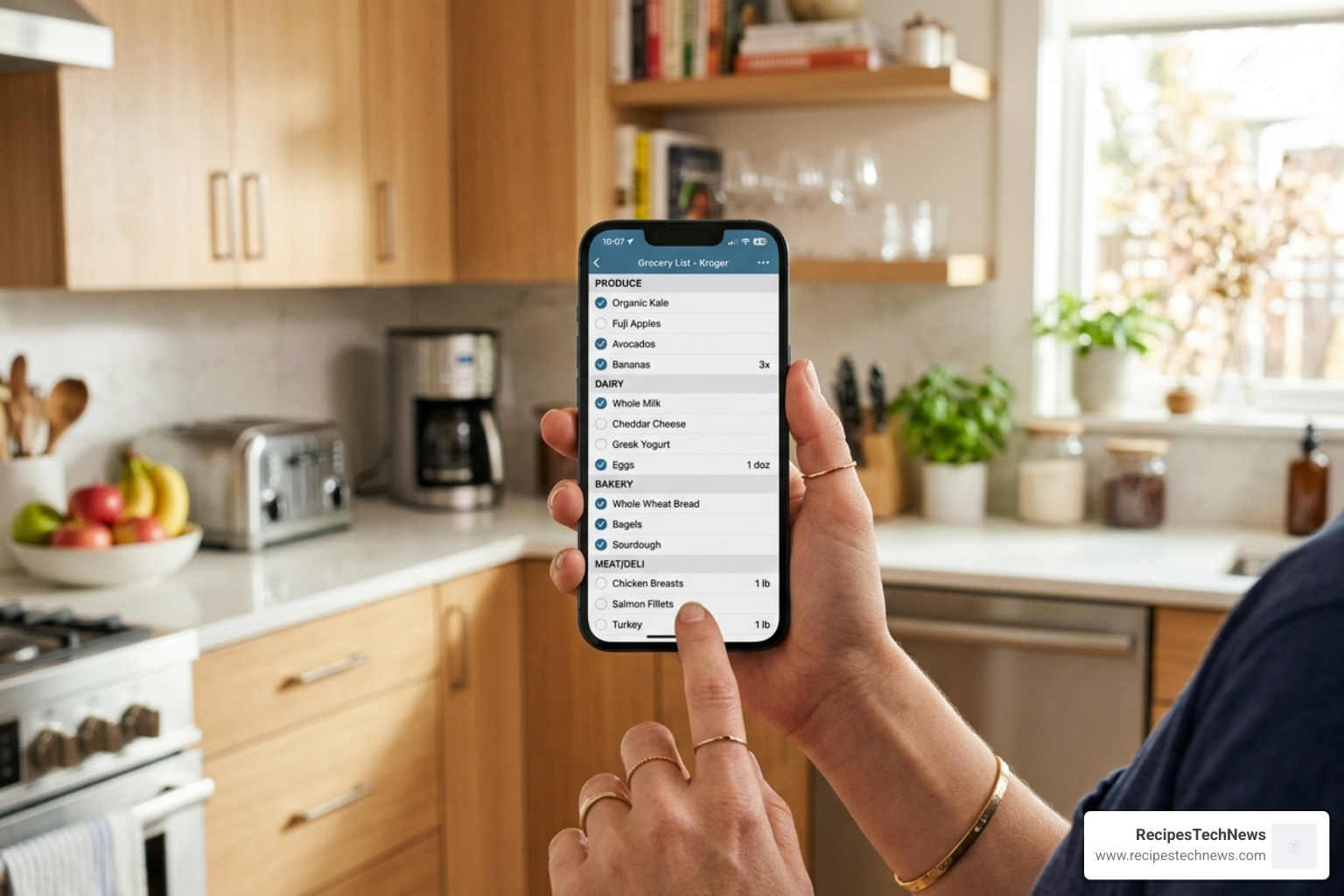
- Aisle-Grouped Grocery Lists: A good app will realize that “milk” and “cheese” both belong in the Dairy aisle. This prevents you from running back and forth across the store.
- Cross-Platform Sync: You want to find a recipe on your laptop, check the ingredients on your phone at the store, and cook from your tablet in the kitchen.
- Interactive Cooking Mode: This includes features like keeping the screen on, crossing off ingredients as you use them, and highlighting the current step.
- Unit Conversion: If you find a great European recipe but don’t know how many grams are in a cup, the app should do that math for you.
Frequently Asked Questions about Recipe Apps
How do I import recipes from websites or photos?
Most of the best apps for storing recipes use “web scrapers.” When you are on a website, you tap the “Share” button and select the app. The app then “reads” the page and pulls the relevant data. For photos, apps like Recipe Keeper and Cookbook use OCR. You simply take a clear photo of the text, and the app uses AI to identify what is an ingredient and what is an instruction.
Can I access my recipes offline while cooking?
Generally, yes. Apps like Paprika and Recipe Keeper store your data locally on your device. This is a huge advantage over web-based bookmarks, which require an active internet connection. As long as you have synced your device recently, your recipes will be there even if your Wi-Fi cuts out.
Do these apps support meal planning and grocery lists?
Absolutely. This is where these apps truly shine. You can drag and drop recipes onto a calendar to plan your week. Once your plan is set, you can tap a button to “Add all ingredients to shopping list.” The best apps will even check your “Pantry” to see if you already have those items before adding them to the list.
Conclusion
Choosing the best apps for storing recipes is a personal decision that depends on your “cooking personality.” If you are a tech-savvy power user who wants total control, Paprika Recipe Manager 3 remains the king. If you are trying to digitize a lifetime of paper notes, Recipe Keeper’s OCR technology is unmatched. And if you are inspired by the latest food trends on social media, ReciMe will feel like a natural extension of your phone.
At RecipesTechNews, we believe that technology should make your life simpler, not more complicated. By moving your recipe collection into a digital organizer, you aren’t just decluttering your kitchen—you’re making it easier to cook delicious, healthy meals for yourself and your family.
Ready to start your digital cookbook? Pick one of the apps above and start by importing just five of your favorite go-to meals. You’ll be surprised how much more enjoyable cooking becomes when you aren’t hunting for a lost scrap of paper.
Visit https://www.recipestechnews.com/ for more guides on the latest kitchen tech and digital lifestyle tips.