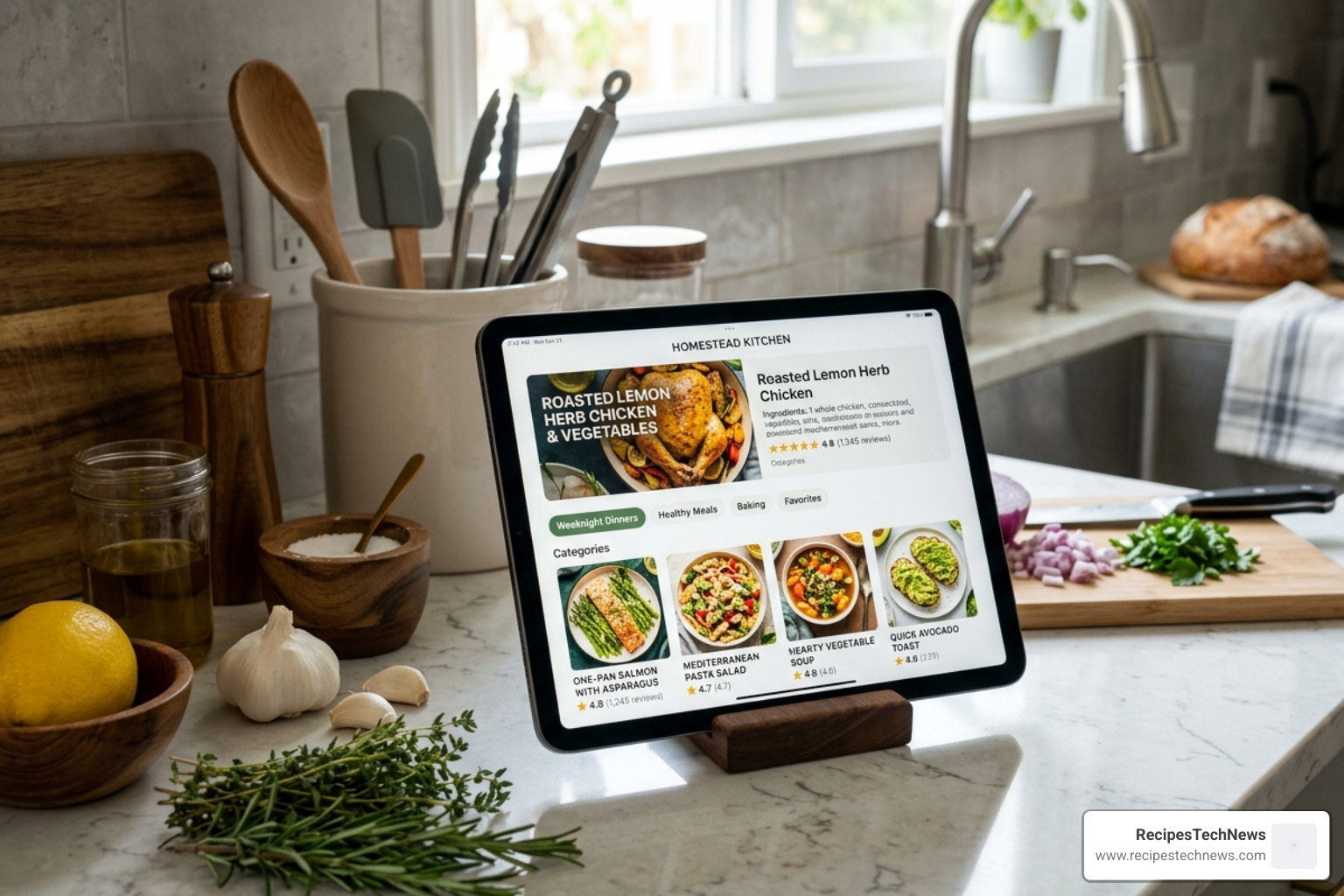
Stop Losing Great Recipes: Why iPad Users Need a Dedicated Recipe App
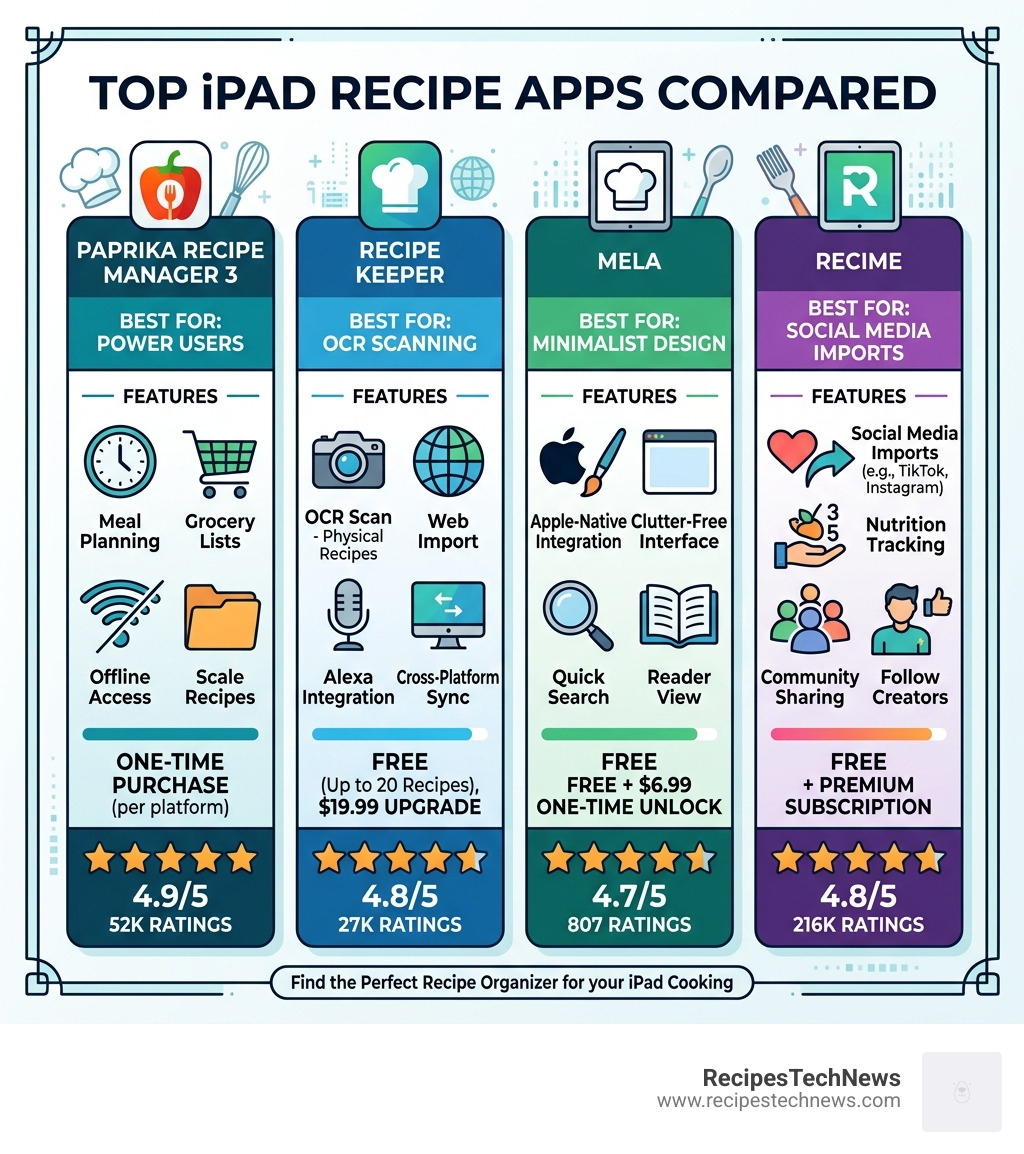
The best app for organizing recipes on iPad in 2026 depends on what matters most to you — but here are the top picks at a glance:
| App | Best For | Pricing | App Store Rating |
|---|---|---|---|
| Paprika Recipe Manager 3 | Power users, offline access, meal planning | One-time purchase per platform | 4.9/5 (52K ratings) |
| Recipe Keeper | OCR scanning, cross-platform, Alexa support | Free (20 recipes), $19.99 upgrade | 4.8/5 (27K ratings) |
| Mela | Minimalist design, Apple-native integration | Free + $6.99 one-time unlock | 4.7/5 (807 ratings) |
| ReciMe | Social media imports, nutrition tracking | Free + premium subscription | 4.8/5 (216K ratings) |
You’ve been there. You spot an amazing recipe on Instagram, or stumble across one in a cookbook at a friend’s place — and then it’s just… gone. Lost in a browser tab, a screenshot folder, or a sticky note that never made it to the kitchen.
This is exactly the problem recipe apps solve.
The iPad is one of the best devices for cooking. The large screen is easy to read from across the counter. It props up nicely. And in 2026, the apps built for it have become genuinely powerful tools — not just digital recipe boxes.
Whether you want to clip recipes from the web, scan your grandmother’s handwritten cards, or save a TikTok cooking video in a format you can actually use, there’s an app built for that.
This guide breaks down the best options so you can find the right fit fast.
What Makes the Best App for Organizing Recipes on iPad?
When we look for the best app for organizing recipes on iPad, we aren’t just looking for a digital folder. We want a tool that transforms the cooking experience. In 2026, the standard for a “great” app has shifted from simple storage to active assistance.
Web Clipping and OCR Scanning
The first hurdle is getting your recipes into the app. High-quality apps offer seamless web clipping—essentially a “save” button that strips away the life story of the blogger and just grabs the ingredients and instructions. For physical media, OCR (Optical Character Recognition) scanning is a must. This allows you to point your iPad camera at a cookbook page and instantly turn it into editable digital text.
Smart Kitchen Integration
Modern apps should play well with others. This includes integration with The Essential Smart Kitchen: Smart Devices, such as smart ovens or scales. We also look for features like ingredient scaling, which automatically adjusts measurements if you’re cooking for two people instead of six, and unit conversion for those pesky metric-to-imperial swaps.
iPadOS Optimization
Since we are focusing on the iPad, the app must take advantage of the hardware. This means:
- Multitasking Support: Having your recipe open on one side while you check a technique video on the other.
- Split-View Functionality: Dragging and dropping ingredients directly into a grocery list.
- Apple Pencil Support: For those who love to “handwrite” notes or adjustments directly onto their digital recipe cards.
- Hands-Free Cooking: Features like “screen stay on” or voice commands so you don’t have to touch your expensive iPad Pro with flour-covered fingers.
Top-Rated Recipe Managers for iPad Users
The App Store is crowded, but a few names consistently rise to the top. Based on our research and 2026 user data, here is how the heavy hitters stack up.
Comparison Table: Top iPad Recipe Managers
| Feature | Paprika 3 | Recipe Keeper | Mela | ReciMe |
|---|---|---|---|---|
| Web Import | Excellent | Very Good | Good | Social-Focused |
| Offline Mode | Yes | Yes | Yes | Limited |
| OCR Scanning | No | Yes | Yes | No |
| Cloud Sync | Proprietary | Proprietary | iCloud | Proprietary |
| Grocery List | Smart Aisle | Smart Aisle | Reminders.app | In-app Order |
Paprika Recipe Manager 3: The Best App for Organizing Recipes on iPad for Power Users
If you ask any long-term digital cook, they’ll likely point you toward Paprika Recipe Manager 3. It has maintained a staggering 4.9-star rating with over 52,000 reviews for a reason: it is a workhorse.
Paprika is designed for the “Power User.” It doesn’t just store Recipes; it manages your entire culinary life. The app features a built-in browser that is incredibly efficient at “clipping” recipes from almost any website. Once saved, the data is stored locally, meaning you have full offline access—perfect for kitchens with spotty Wi-Fi.
One of our favorite features is the Pantry Tracker. You can log what you already have (like flour or spices), and when you add a recipe to your grocery list, Paprika automatically subtracts the items you already own. It also supports multiple photos per recipe, reusable menus for holiday planning, and automatic timers that detect “30 minutes” in the text and let you start a countdown with a single tap.
Recipe Keeper: Best App for Organizing Recipes on iPad with OCR Scanning
While Paprika is the king of web clipping, Recipe Keeper is the champion of the physical cookbook. If you have a shelf full of heirloom books or handwritten cards, this is likely the best app for organizing recipes on iPad for you.
Its OCR scanning technology is top-tier. You can snap a photo of a page, and the app converts it into a clean, digital format. It also offers deep integration with Alexa, allowing for a hands-free experience where you can ask your device for the next step.
Recipe Keeper is also excellent for those using The Ultimate Guide to Silky Smooth Blender techniques, as it allows for precise serving size adjustments. If a recipe is for four but you have six guests, one tap recalculates everything. It also supports PDF exports, making it easy to share your curated collection with family members who might not be as tech-savvy.
Mela: Elegant Simplicity and Native Apple Integration
For the minimalist, there is Mela – Recipe Manager. Mela feels like it was built by Apple themselves. It focuses on “Native Integration,” meaning it doesn’t try to reinvent the wheel.
Instead of building its own grocery list or calendar, Mela syncs directly with Apple Reminders and Apple Calendar. This is a huge win for privacy and simplicity; your data stays in your iCloud. It also features a unique RSS feed reader, allowing you to subscribe to your favorite cooking Blogs and see new recipes in a clean, ad-free format the moment they are published.
Mela’s “Cook Mode” is a standout on the iPad. It uses large fonts and supports Live Activities, so if you have a timer running, you can see it on your lock screen or in the Dynamic Island (on supported devices).
Specialized Apps for Social Media and AI Enthusiasts
As we move through 2026, a new category of apps has emerged. These are designed for the “TikTok generation” of cooks—users who find their inspiration on social media rather than Google searches.
ReciMe: The Social Media Specialist
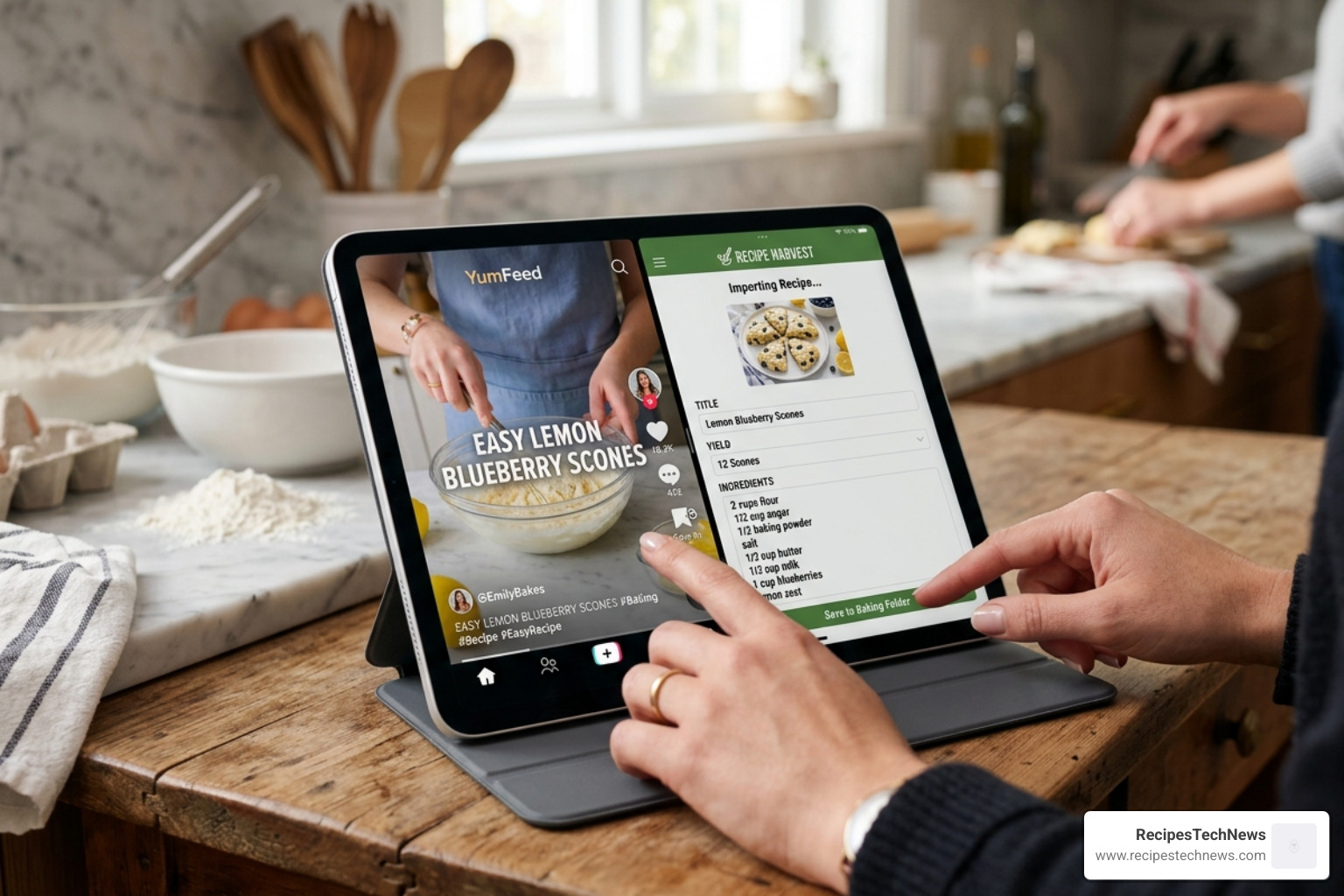
With over 10 million users and a 4.8-star rating, ReciMe has carved out a massive niche. It is arguably the best app for saving recipes from Instagram, TikTok, and YouTube. Instead of trying to write down ingredients from a fast-moving Reel, ReciMe can often pull the data directly from the link.
It’s highly social, allowing you to follow friends or “Verified Cooks” to see what they are making. It also includes robust nutrition tracking, calculating calories, macros, and fats automatically. For the ultimate convenience, it even offers in-app grocery ordering, sending your list directly to delivery services.
Umami and Flavorish: AI and Modern Workflows
If you want the cutting edge, Umami and Flavorish are the ones to watch. Umami is frequently cited as a top pick for its clean interface and social imports, often costing around $10/year.
Flavorish, on the other hand, leans heavily into AI-driven features. These apps use machine learning to categorize your recipes more accurately and can even suggest “Just the Recipe” versions of cluttered web pages. They are perfect for users who want a high-tech, automated experience across all their devices.
Frequently Asked Questions about iPad Recipe Apps
Can I import recipes from physical cookbooks?
Absolutely. This is one of the strongest reasons to use an iPad. Apps like Recipe Keeper and Mela use the iPad’s high-quality camera and OCR (Optical Character Recognition) to scan physical text. You simply take a photo, and the app “reads” the ingredients and steps, turning them into a digital, searchable recipe.
Do these apps work without an internet connection?
Most of the top-tier apps, specifically Paprika and Recipe Keeper, store your data locally on your iPad. This means once a recipe is saved, you can access it in the middle of a forest (or just a kitchen with bad Wi-Fi) without any issues. Syncing between devices will require a connection, but the actual cooking process does not.
Is a one-time purchase better than a subscription in 2026?
This depends on your philosophy.
- One-time purchases (like Paprika or Mela+) are generally better value over 5+ years. However, be aware that some apps (like Paprika) require separate purchases for the iPad and Mac versions.
- Subscriptions (like ReciMe or Umami) often provide more frequent “cloud-based” updates, such as AI features, social networking, and direct grocery delivery integrations.
Conclusion
The best app for organizing recipes on iPad is the one that actually gets you into the kitchen.
If you want a powerful, “buy it once and use it forever” tool, Paprika Recipe Manager 3 remains the gold standard for power users. If you have a mountain of physical cookbooks to digitize, Recipe Keeper is your best friend. For those who want a beautiful, minimalist experience that feels like part of the iPad itself, Mela is an incredible choice. And if your “cookbook” is actually your TikTok “Saved” folder, ReciMe will change your life.
At RecipesTechNews, we believe that technology should make the “analog” parts of life—like sharing a meal with family—easier and more enjoyable. By moving your recipe collection to one of these top-tier iPad apps, you’re not just cleaning up your kitchen; you’re upgrading your entire culinary workflow.